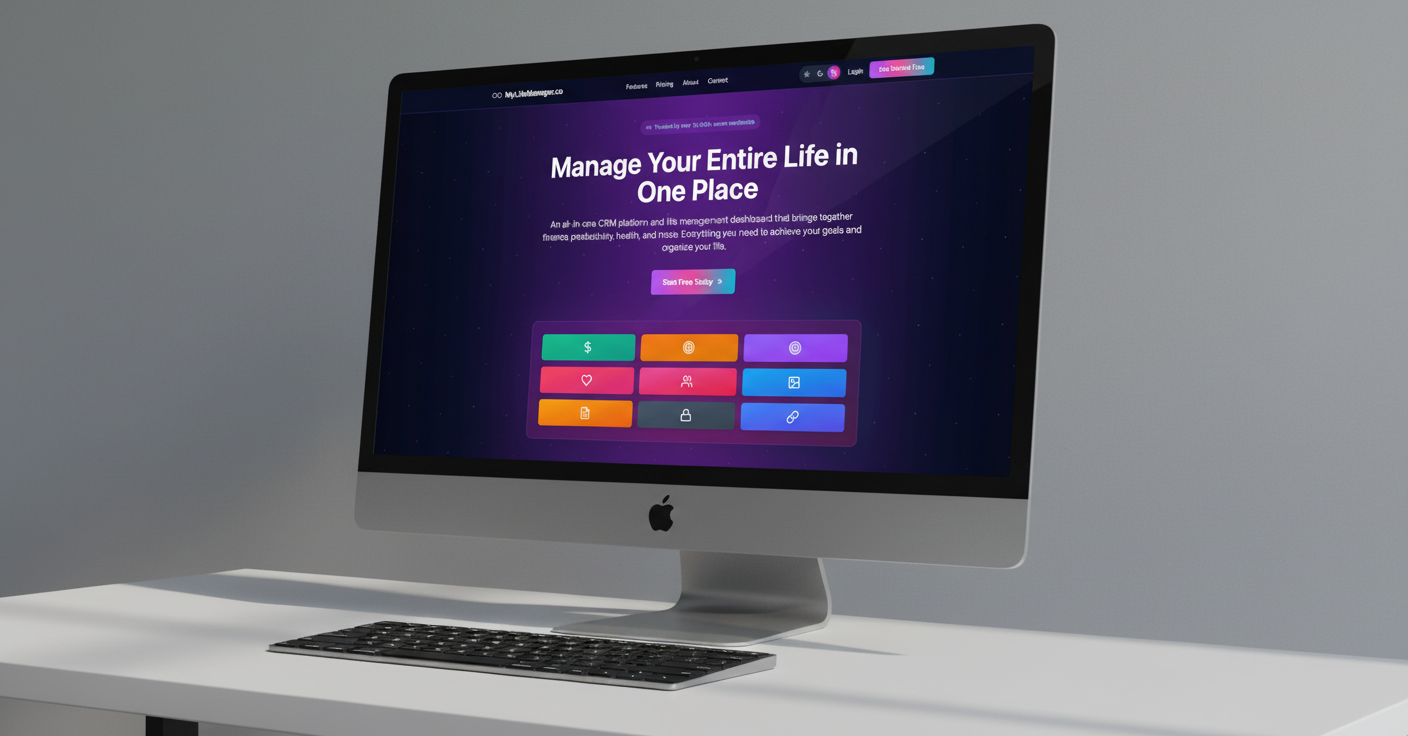
Meet MyLifeManager's Free File Converter — No Login Required
Convert and manage PDFs directly in your browser with 16 free tools. No account, no upload, and no software installation required.
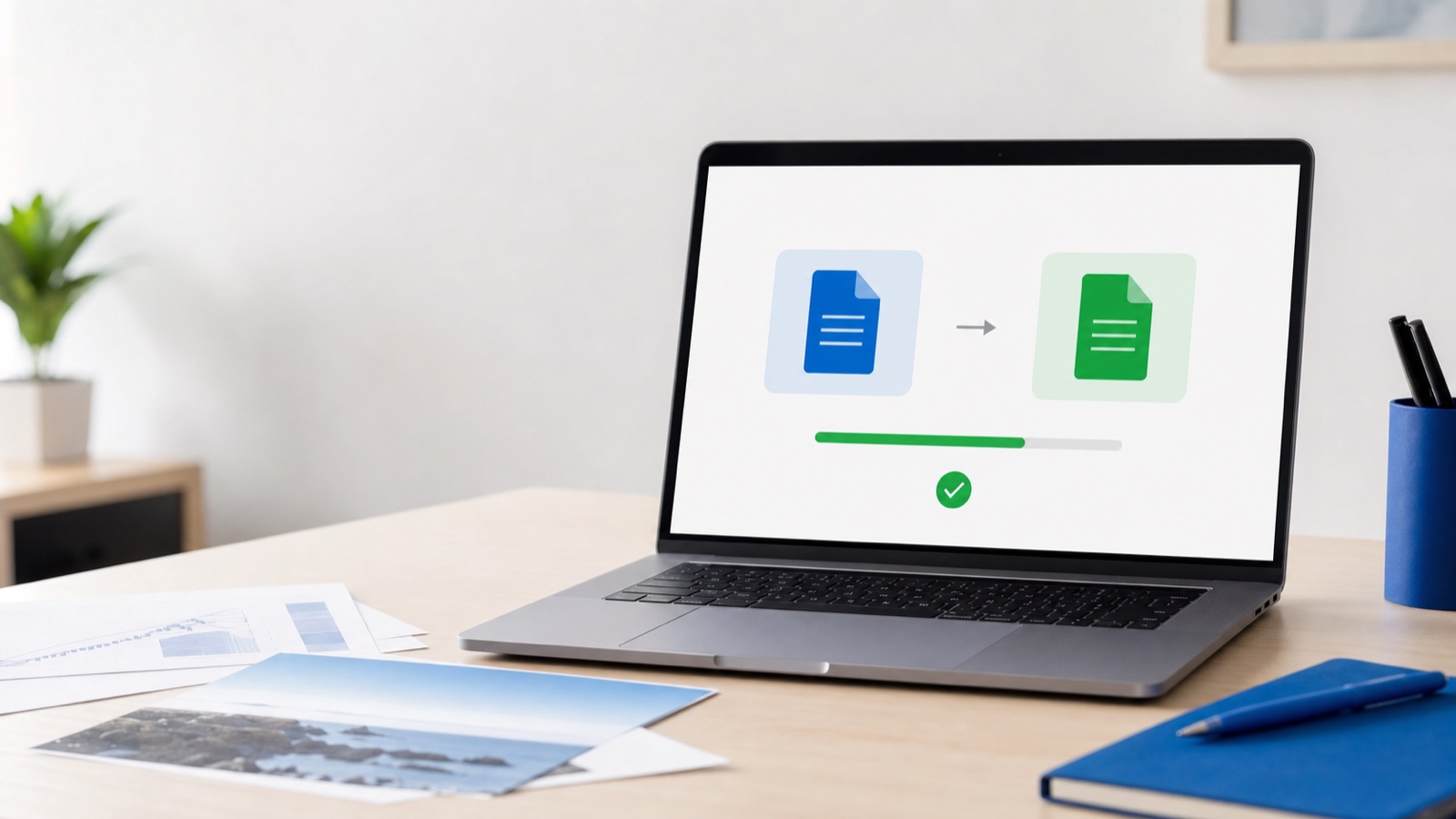
Converting a file should be a quick task, not a registration process. That is why the new MyLifeManager File Converter is free to use without logging in, creating an account, entering payment details, or installing extra software. Open the tool in your browser, choose what you need to do, add your file, and download the result.
The toolkit currently brings together 16 ready-to-use PDF and file tools in one simple place. You can convert images and documents, merge or split PDFs, reduce file size, add a signature, protect a document, and handle many other everyday jobs. Every ready tool has its own direct page, so you can start with the task you searched for instead of navigating through an app first.
Want to try it now? Open the free File Converter. No login is required.
Why we built a free file converter
File conversion is often needed at the least convenient moment: a form accepts PDF only, an email attachment is too large, several scanned pages need to become one document, or a contract needs a signature before a deadline. Many online tools add another obstacle by asking you to register before you can download the finished file.
MyLifeManager takes a simpler approach. The public converter is available to everyone, including people who have never created a MyLifeManager account. The core workflow stays focused on the job in front of you: choose a tool, process the file, and save the result.
This also makes the converter useful on shared or temporary devices. You do not have to sign in, remember a password, or leave an account session behind. When the conversion is complete, you can close the tab and continue with your day.
What can you do with the MyLifeManager File Converter?
The new converter is more than a single file-format switch. It is a practical collection of tools for organizing, converting, editing, optimizing, and securing PDF files.
Convert documents and images
Turn a PDF page into an image with the free PDF to JPG converter, or combine JPG and PNG images into one shareable document with the JPG to PDF converter. If you have a text-focused DOCX file, the Word to PDF converter can create a readable PDF directly in your browser. Complex Word layouts, tables, and exact fonts may not be reproduced perfectly, so plain documents work best.
Organize PDF pages
Use Merge PDF to combine reports, receipts, invoices, or scanned pages into one file. Split PDF can extract a page range or break a large document into smaller files. You can also reorder or delete PDF pages and rotate PDF pages that were scanned in the wrong orientation.
Edit and finish a PDF
Small changes no longer require the original source document. Add text, images, or highlight boxes with Edit PDF. Add a visible notice with the PDF watermark tool, insert consistent page numbers, or trim unwanted margins with Crop PDF.
Optimize and protect files
If a document is too large to email or submit, the PDF compressor offers lossless, balanced, and stronger compression choices. The toolkit can also repair some damaged PDFs, add a password with Protect PDF, or remove protection from a file you are authorized to access with Unlock PDF.
Sign a PDF online
With Sign PDF, you can draw or type your signature, place it on the correct page, and download the signed document. Your signature is used for the file you create and is not stored by MyLifeManager. Always check whether the receiving organization has any specific signature requirements before submitting an important legal or official document.

Private file conversion in your browser
One of the most important differences is where the work happens. The ready MyLifeManager converter tools process files locally in your browser. Your documents are not uploaded to or stored on a MyLifeManager server as part of the conversion.
That local approach is helpful for everyday documents that may contain personal or business information. It also removes the wait for a file to upload before processing can begin. The exact speed depends on the file, the selected operation, and the memory and performance of your device.
Browser-based processing has practical limits. Files larger than 100 MB are not currently supported, and a very large or complex PDF may be constrained by the available memory on your phone or computer. Keeping this work on your device is a deliberate tradeoff: privacy and convenience without pretending that a browser has unlimited resources.
How to convert a file without logging in
- Visit the MyLifeManager File Converter.
- Search for a task such as “merge,” “compress,” “sign,” or “PDF to JPG.”
- Open the tool and select or drop your file into the page.
- Choose the available settings and preview the result when the tool provides a preview.
- Run the conversion, then download the new file to your device.
There is no sign-up step before or after conversion. You can use the converter directly from its public page. A MyLifeManager account is only an optional next step if you also want the wider life-management workspace for finances, tasks, goals, habits, calendar, and other personal tools.
Useful file-conversion examples
- Job applications: convert a simple DOCX resume to PDF before uploading it to an application portal.
- Expense reports: turn receipt photos into a PDF, then merge supporting documents into one file.
- Forms and agreements: add a signature to a PDF without printing and scanning the page.
- Email attachments: compress a large PDF to make it easier to send.
- Study and research: extract only the pages you need from a long document.
- Client work: add page numbers or a draft watermark before sharing a review copy.
Frequently asked questions
Is the MyLifeManager File Converter really free?
Yes. The ready tools in the public converter can be used for free. You do not need to enter payment details or start a subscription to process and download a file.
Do I need a MyLifeManager account?
No. You can open the converter and use its ready tools without signing up or logging in.
Are my files uploaded?
No. The ready converter tools run locally in your browser, and MyLifeManager does not upload or store your files for conversion.
Does the converter add a watermark to my output?
No automatic branding watermark is added to converted files. A watermark appears only when you intentionally use the Watermark tool and choose the text and settings yourself.
Does it work on phones and tablets?
The public converter is designed for modern browsers on desktop and mobile devices. Large files may process more comfortably on a computer with more available memory.
Try the free file converter
The next time you need to merge a PDF, convert a document, shrink an attachment, or sign a form, you can do it without creating another account. Open the free MyLifeManager File Converter, choose a tool, and get the job done directly in your browser.
Share this article